
A. You can now connect your Outlook Calendar if you are using Server Exchange 2013 or newer. Please contact support if you are using a prior Exchange version or if you are having problems connecting.
To connect the calendars, log into Advantage, navigate to your Calendar and look for the link, “Manage Calendar Sync”.
Click on the link and the following will be displayed:
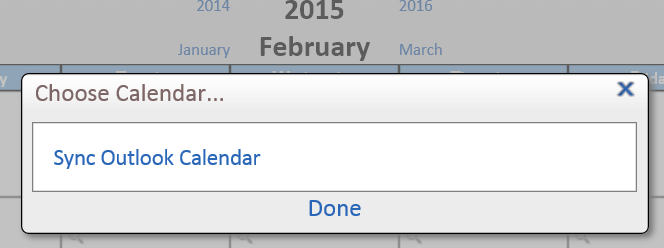
Click on Sync Outlook Calendar, next you’ll see a log in, Use your Outlook or Server credentials here:

If you have an error connecting/authenticating you’ll see this screen asking for you to re-enter the credentials:

When your Outlook calendar connects, you’ll see the success screen below. Allow a few minutes to allow the two calendars to share your appointments but in just a few minutes you’ll see your calendar populate.
